
Welcome! Discover our latest promotions.
Learn more
Welcome! Discover our latest promotions. Learn more
Live 500 Pin Saves · Pinterest just now 500 Shares · Quora 3 min ago 1.000 Views · Telegram 5 min ago 1.000 Likes · Linkedin 8 min ago 5.000 Saves · Instagram 11 min ago 500 Reactions · WhatsApp 14 min ago 2.000 Live Viewers · Instagram 17 min ago 1.000 Members · Telegram 21 min ago 500 Server Members · Discord 26 min ago 500 Premium Likes · Instagram 32 min ago
Microsoft 365 Family – 12 months
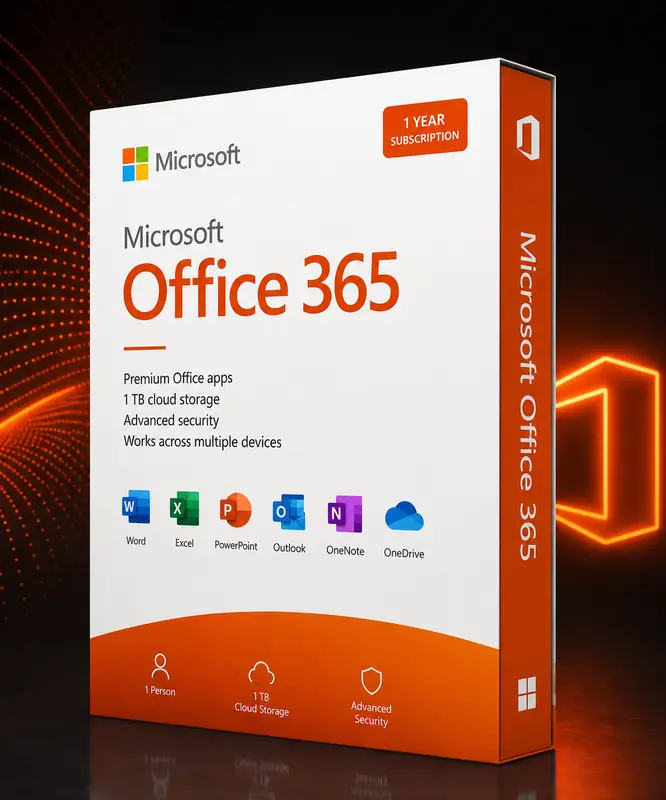

Product details

Microsoft 365 Family for up to 6 people: always up-to-date Office apps, 1 TB OneDrive cloud per person and use on PC, Mac, tablet and smartphone.

  • 12-month term for up to 6 people
  • 1 TB OneDrive storage per person
  • Always the latest Office versions
  • PC, Mac, tablet & smartphone

Activation & delivery

After payment we send the product key for Microsoft 365 Family – 12 months by e-mail – including step-by-step instructions. Activation happens directly with the vendor.

How do I receive my licence?

After purchase we send the product key for Microsoft 365 Family – 12 months together with step-by-step instructions by e-mail.

Is activation complicated?

No. Activation happens directly with the vendor and only takes a few minutes. Instructions are included with every delivery.

What if the key does not work?

Just contact our support team – we will review the case and provide a quick solution.

Table of contents

How it works

  1. Add the product to your cart and complete the checkout.
  2. Our team reviews the order and sends your product key by e-mail – usually within a few hours.
  3. Follow the included instructions and activate the licence directly with the vendor.

Our support team is happy to help if you have any questions.

Hello!